All encoders at a glance – and switchable
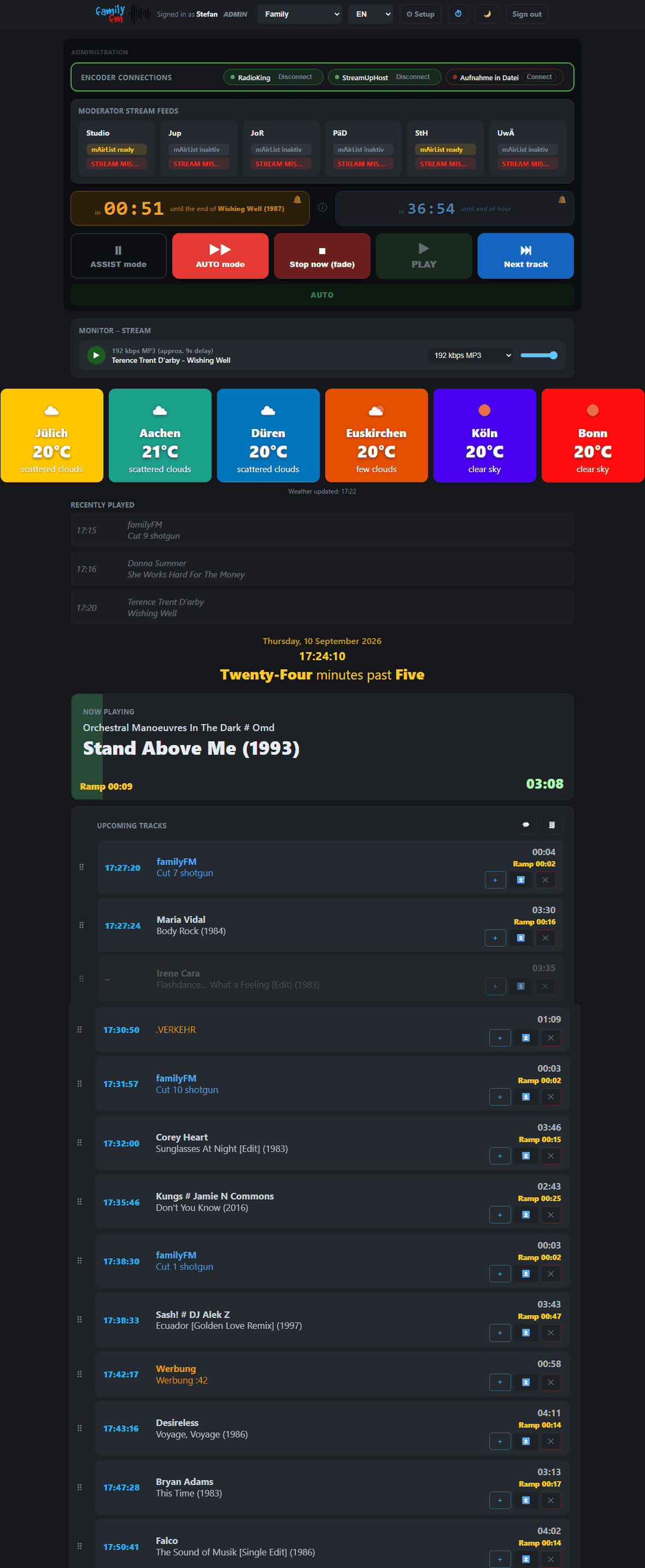
The panel shows the status of all encoder connections. With a single click, authorized roles can switch them on or off.
Bring live contributors on air – with a simple click
Authorized presenters with access to an Icecast server can switch their own stream monitor into mAirList with a click — no access to the broadcast computer or server required!
Countdown to end of track or end of hour
Going "on air" as a contributor right on cue after a song is no longer a problem: a countdown shows, to the second, the time remaining until the end of the item or the hour on the broadcast computer. An on-screen guide helps new presenters.
Control buttons that mirror mAirList playout
Switching between Assist and Auto mode, skipping to the next track, or stopping automation with a fade-out – large on-air control buttons that authorized roles can use.
Monitor the outgoing streams
Outgoing streams can be monitored directly in the panel — with freely chosen names and a volume control, with no separate player or program switching needed. Icecast, Shoutcast, Laut.fm and Radioking metadata are displayed correctly.
Weather for up to 24 locations and optional forecast at a glance
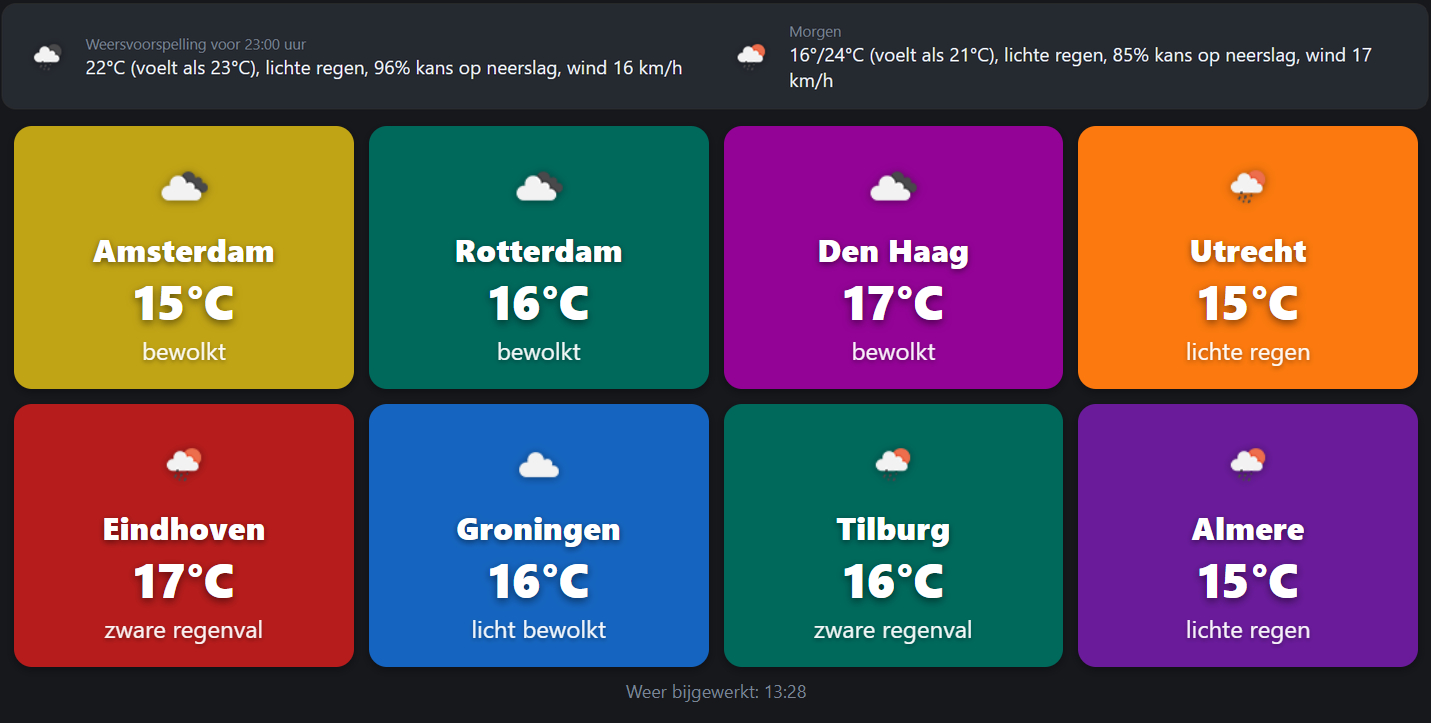
OnAirPanel offers easy-to-set-up weather tiles that show the current weather via the OpenWeatherMap service — displayed in whichever language the panel is currently set to! In addition, a forecast can be shown for one city, optionally with more detail on feels-like temperature, chance of rain and wind speed.
Always know what's playing
Shows the most recently played tracks, the current song large and clearly visible, plus date, time and the upcoming tracks in the playlist — all live and right in the browser.
Reorder the current playlist by drag & drop
Quickly move a track within the current playlist, or delete one: all possible with a single click for authorized users. On mobile devices, arrow keys and delete buttons are shown instead.
Search the database and insert tracks directly
With a database connection configured, authorized users can search for items in the database right from the panel and insert them wherever needed in the current hour's playlist. This opens up plenty of possibilities: an editorial team can take song requests and add them into the running show. Or voice tracks and interviews can be loaded into the database via the auto-importer and scheduled directly on site into a program that's already running.